1 / 3
Product Overview
360Sync™ automatically updates Trimble Connect Libraries whenever you upload or update a file to your computer, server, or Trimble. Save time and effort by automating the file transfer process and eliminating double data-entry. 360Sync™ is easy to set up and easy to use. We have successfully created integrations between Trimble Connect, ProjectSight & other project management systems like Autodesk, Procore, SharePoint, Windows, Egnyte, Bluebeam Studio Projects & more. 360Sync™ is a powerful platform for rapid custom development and deployment.
Once installed and licensed, you will be able to synchronize almost any number of projects, files, and folders.
Features
Copy files & folders
Copy files & folders between Trimble Connect & Procore, Autodesk, SharePoint, Windows, Bluebeam Studio Projects, Egnyte, Asite & more.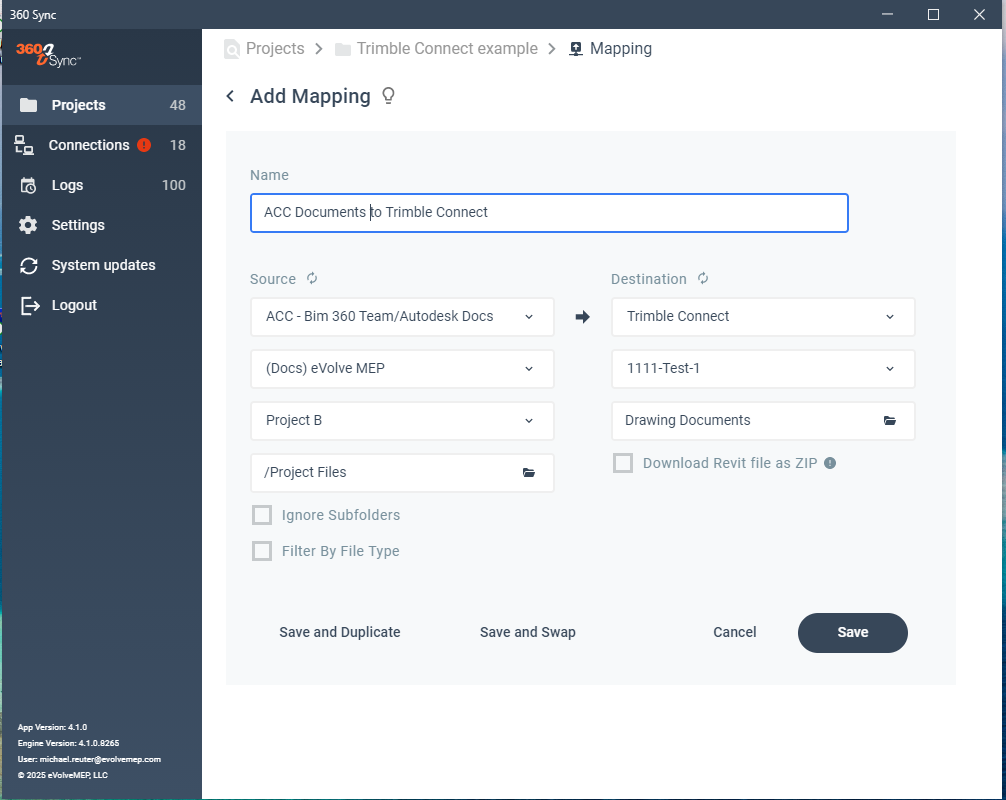
Sync Files to & from Trimble Connect
Sync files between Trimble Connect & Procore, Autodesk, SharePoint, Windows, Bluebeam Studio Projects, Egnyte, Asite & more.Copy Drawings to & from Trimble Connect
Sync drawings between Trimble Connect & Procore, Autodesk, SharePoint, Windows, Bluebeam Studio Projects, Egnyte, Asite & more.Copy RFIs to & from Trimble Connect
Sync files between Trimble Connect & Procore or Autodesk.Copy Submittals to & from Trimble Connect
Sync files between Trimble Connect & Procore or Autodesk.
Categories
BIM
BIM
Project Management
Drawings & Documents
Support
View Full Support and ResourcesTerms & Conditions
BIM

360 Sync + Trimble Connect
Sync Files & Data Automatically
Developer: EvolveMEP
- Works with Trimble Connect
- Certified by Trimble
360 Sync + Trimble Connect Resources

Minimum Requirements & Security Info
Attention
Please get in touch with your account owner for assistance. If you wish to make a purchase, we recommend signing out and creating a personal account.