Product Overview
Are you dealing with different versions of a construction drawing or document during your project?
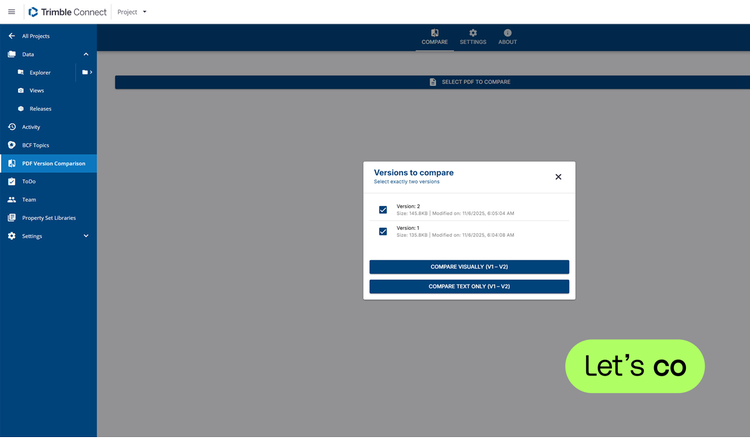
Manage this constantly changing project data in your project with the Trimble Connect Extension PDF Version Comparison.
This extension overlays the documents and shows the differences instantly and clearly.
The differences are highlighted in colors that you can set yourself. If a task follows from the PDF comparison, you can immediately create a ToDo and communicate it to your team.
Features
Quick & easy
Compare drawings and/or documents and discover the differences quickly and easily.Compare & share
You can save or export the comparison including the changes as a new document as PDF or PNG in your Trimble Connect project.Spot the differences
A comparison gives insights into the design or engineering progress of your project.
Categories
BIM
BIM
Preconstruction
Preconstruction
Project Management
Drawings & Documents, Procurement & Materials
Permitting
Permitting
Support
View Full Support and ResourcesTerms & Conditions

PDF Version Comparison Extension for Trimble Connect
Spot the differences on PDF
Developer: Construsoft
- Works with Trimble Connect
Please get in touch with your account owner for assistance. If you wish to make a purchase, we recommend signing out and creating a personal account.